
(1)(2).png.04e3330f4c7d2f2079b3d586e13bdcdb.png)
hanausa9
Members
-
Joined
-
Last visited
-
hanausa9 changed their profile photo
-
hi i'm hanausa9 and i'm sort of into chemistry, but i don't know much about it. trying to get the basics down. i got my username from sugarbunnies and the fact that 9 is my favorite number. i'm into sanrio and all things cutesy. i live in the U.S. and english is my first/only language. sometimes i get phonetically similar words confused, but i usually catch it or the point i'm trying to make is still clear. i saw someone else say their pronouns, so mine are she/her. oh, i forgot to mention, i'm also into theology but i'm super disorganized about it so i'm a little scared to post about it :s worried i'll screw up. i take inspiration from different religions but i grew up catholic. i think, at the end of the day, god is love and that love takes different forms. no hate on atheists, i think they serve a really important purpose and have their own lessons to learn. everyone takes different paths and that's cool as long as no one is getting directly hurt. i don't believe in judging others, especially over things they can't choose. i also love the environment but don't know as much as i should about it. ^_^; i just think we need to be kinder to the earth. i try to pick up litter whenever i see it. that's a small thing anyone can do. i'm not saying that to humble brag, i'm saying that as a request to do that whenever you out (if you want of course). i like to think i'm friendly, so feel free to say hi! sorry if i was a little long-winded lol. i'm so excited to be here
-
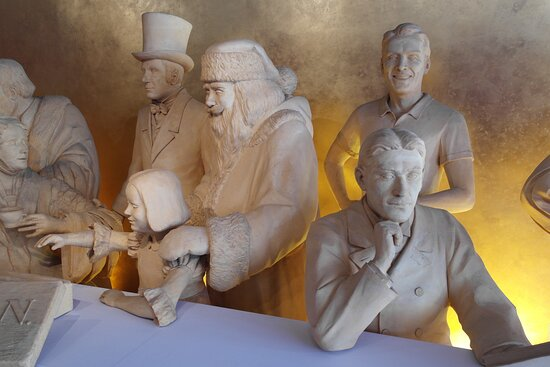
i got this off tripadvisor. any of you heard of the marzipan museum? :]
(1)(2).thumb.png.e9dfd6195f91294f48a4a9591f1fef38.png)