Kaitlin Cunningham
Members
-
Joined
-
Last visited
Everything posted by Kaitlin Cunningham
-
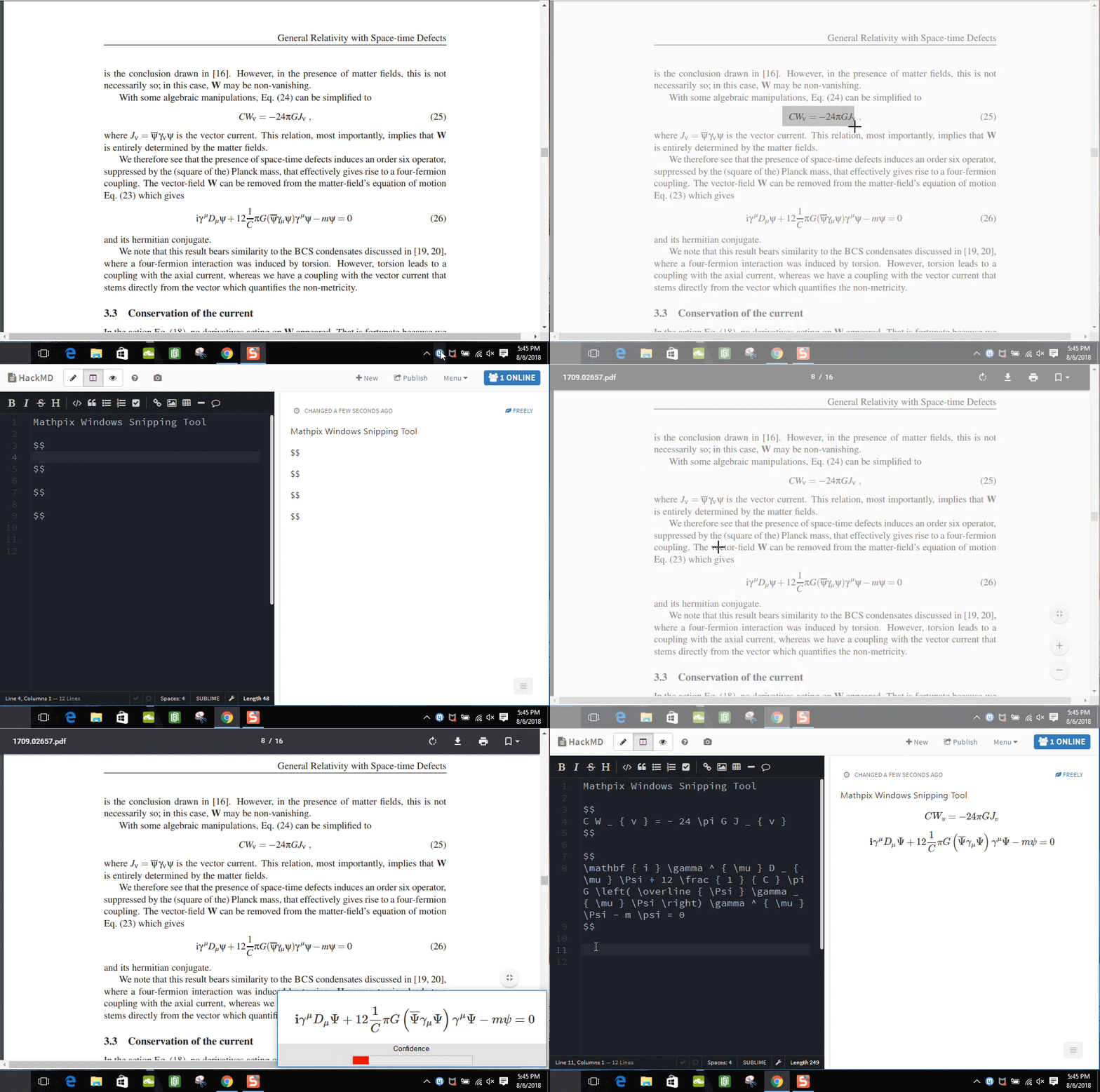
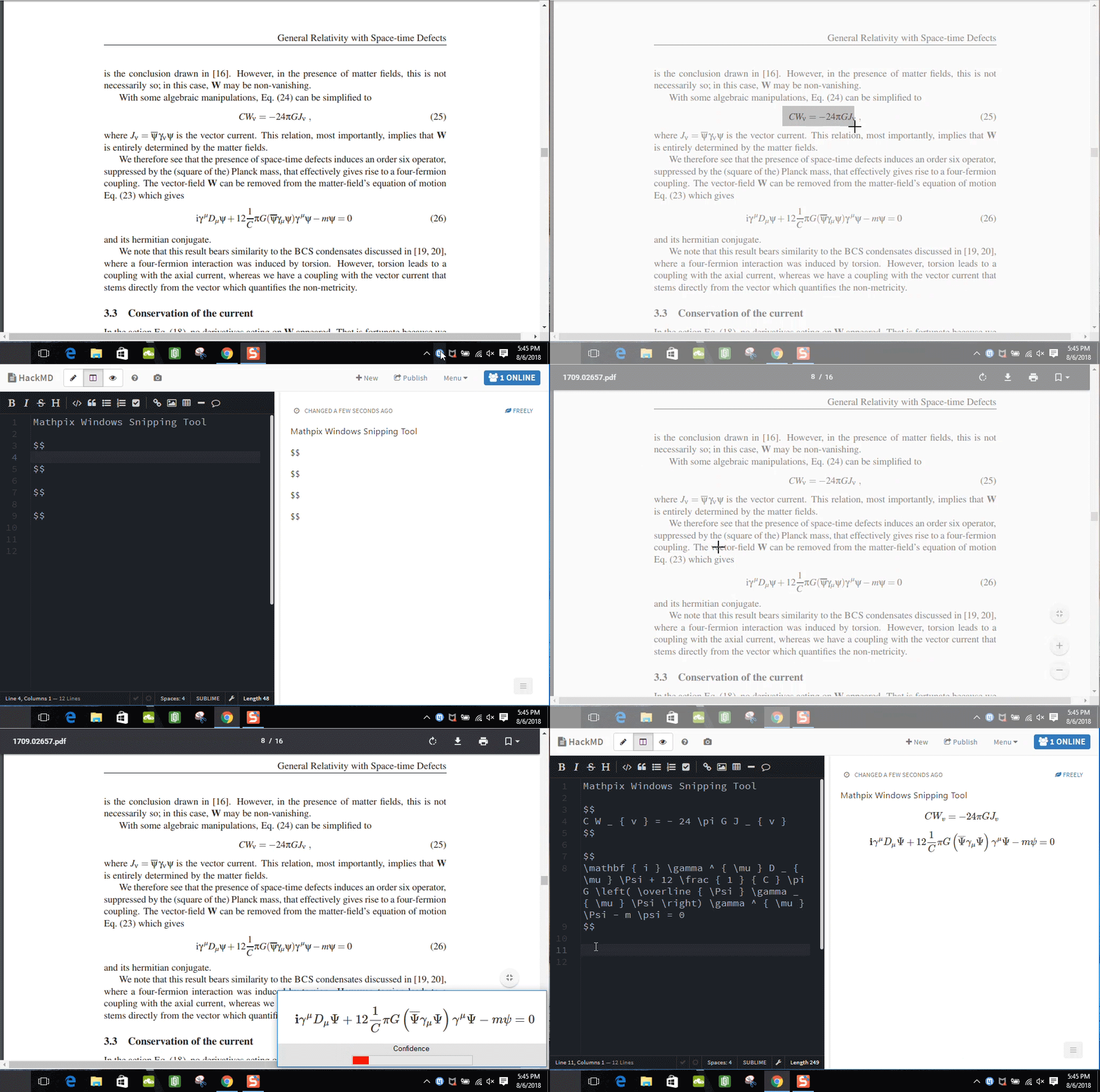
You can save a lot of time writing LaTeX by using the Mathpix Snipping Tool. It's a desktop app that lets you extract LaTeX from screenshots of equations. It's on Windows and Mac. You can download it at https://mathpix.com/. Definitely check it out, it's a huge time saver.
-
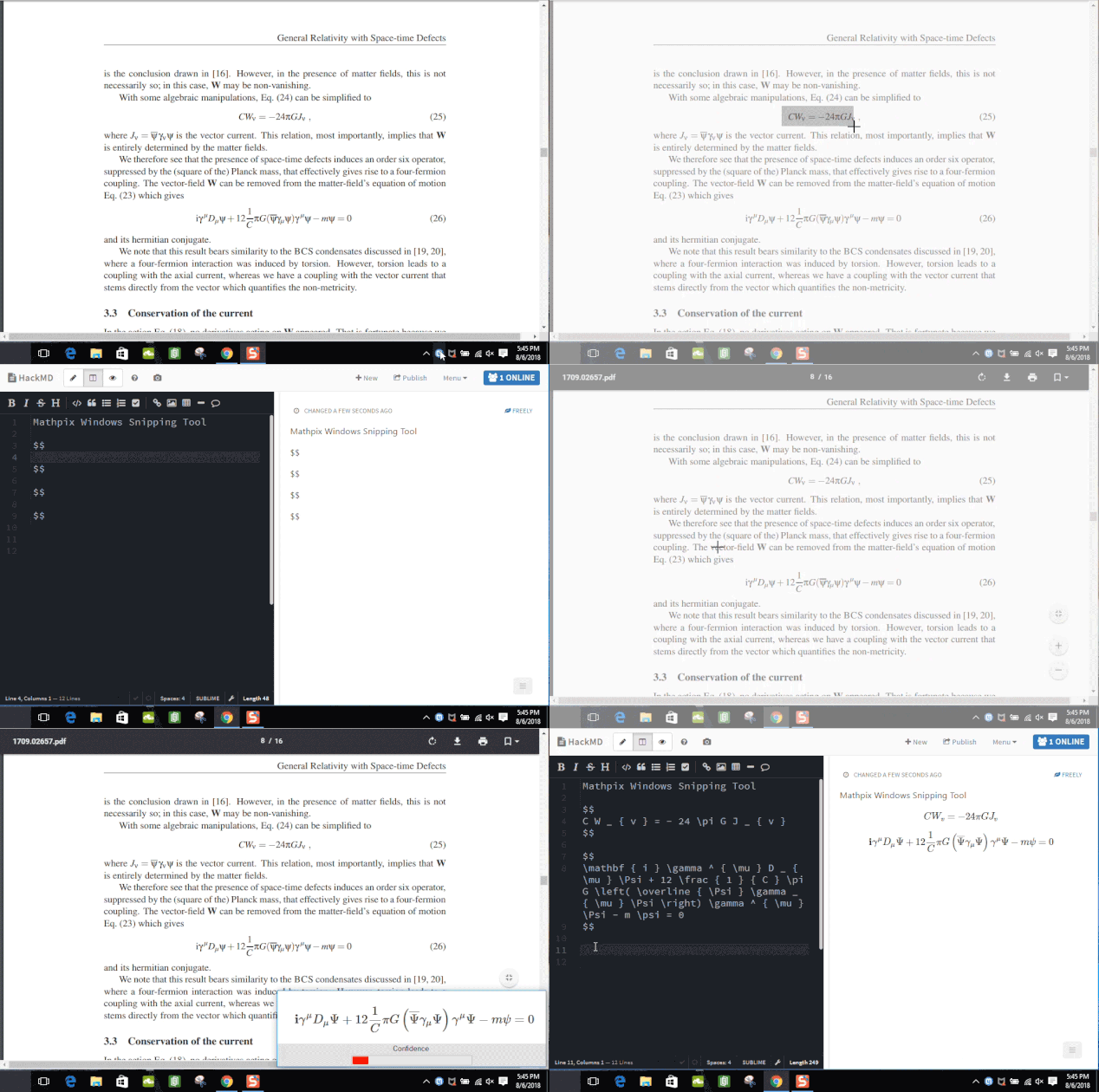
The Mathpix Snipping Tool (available on Windows and Mac) let's you extract any LaTeX from a screenshot of an equation so you can just paste the code into your LaTeX editor. You can get it here: https://mathpix.com/ Check out this demo of the Snipping Tool on Windows.